
By participating in this community, you agree to our
Privacy Policy and Forum Rules.
Honest Disk Drill Mac review from people who actually used it?

Hi! I’ve been reading a few threads here, and it seems like this forum has a pretty active community of people who actually know what they’re talking about when it comes to data recovery, on Macs too. So I wanted to ask if anyone here has actually used Disk Drill for Mac. I’m looking for a good data recovery tool for a USB flash drive, and this is probably the one I’ve seen recommended most. Still, I’m a bit skeptical.
From what I understand, the Windows version at least has a free recovery limit, so you can test it before paying. On macOS, though, I’m only seeing Disk Drill Pro, and I’m not too excited about buying a pig in a poke.
Could anyone share some real-world experience? Is Disk Drill safe for Mac, and more importantly, does it actually work? Thanks!

I’ve been using Disk Drill for about four years, and it’s still my favorite data recovery software. It has helped me recover files after accidental deletion and from a formatted drive more than once. What I liked most in the beginning was the beginner-friendly interface - I had 0 experience with data recovery, but it was easy to figure out how to start a scan and what to do next.
I’d suggest trying it yourself since you don’t need the PRO subscription right away - the free version on Mac lets you scan your device and preview the recoverable files. If you can see your files there, you can decide whether it’s worth paying for the full version.

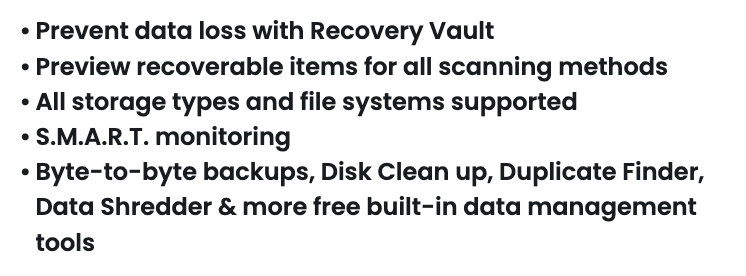
I’m definitely not an expert and used Disk Drill once after I accidentally deleted photos from my camera’s CF card, but it worked perfectly in that case. Before scanning the card, I read that it was safer to use the disk imaging feature and work with an image instead of the original card (since memory cards can fail without warning). That was actually the main reason I chose Disk Drill. I know it includes several other tools, but I haven’t needed to use them yet. They’re explained quite well here. You can also search for a detailed Disk Drill Mac review if you want to see how those features work in practice.

I actually considered disk drill at first, but what stopped me were some Reddit posts claiming it wasn’t safe, that it could damage existing data, or that it was just a scam - it was enough to make me look elsewhere and I ended up using photorec instead. It’s definitely not the best in terms of user experience, but it’s free and has been around for years, so there are plenty of reviews and tutorials online. If the disk drill mac price is what’s putting you off, photorec might be worth trying first. It also comes bundled with testdisk, which can be useful if your problem turns out to be a lost partition rather than deleted files.
Quote from JustMike on August 1, 2026, 11:17 amI actually considered disk drill at first, but what stopped me were some Reddit posts claiming it wasn’t safe, that it could damage existing data, or that it was just a scam - it was enough to make me look elsewhere and I ended up using photorec instead. It’s definitely not the best in terms of user experience, but it’s free and has been around for years, so there are plenty of reviews and tutorials online. If the disk drill mac price is what’s putting you off, photorec might be worth trying first. It also comes bundled with testdisk, which can be useful if your problem turns out to be a lost partition rather than deleted files.
I think you should have looked into those concerns a bit more. If we’re talking about the same Reddit thread, Disk Drill developers actually replied there and explained that it’s safe to use and doesn’t modify the source drive during a scan. That was literally one of the first replies. It’s also notarized by Apple, so macOS verifies it through Gatekeeper during installation. That doesn’t prove the software is perfect, of course, but it is another reassuring sign beyond what the developers themselves said.
As for PhotoRec, I completely agree that it’s a great tool, especially because it’s free. But I wouldn’t put it in the same category as Disk Drill. PhotoRec is powerful, but it’s much less forgiving if you don’t know what you’re doing. Disk Drill also includes extra features that can be really useful in certain situations, like creating a sector-by-sector clone before working with corrupted storage media or a failing hard drive. And then there’s the overall workflow. With PhotoRec, you have to pay close attention to the options you select. With Disk Drill, for most cases it’s basically just choosing the device and clicking Scan for Lost Data.
At the end of the day, it’s your choice. I just don’t think it’s fair to dismiss one tool based on a few Reddit comments without looking at the full discussion.

I actually started a thread here not long ago looking for an EaseUS alternative, and after a pretty long discussion, most people ended up recommending Disk Drill instead. There were quite a few good arguments from people who had used both, so I won’t repeat everything here. If you’re still undecided, it’s worth reading that thread - https://ask.7datarecovery.com/forum/topic/looking-for-an-easeus-alternative-with-similar-features/

I’d like to add a bit of context from the perspective of someone who deals with data recovery almost every day.
Personally, Disk Drill is the only recovery tool I use. It has been enough for every case I’ve worked on, whether it was deleted files, a formatted volume, a formatted drive, a RAW drive, a drive inaccessible error, or similar scenarios.
One thing I appreciate is that it keeps improving. Disk Drill 6, for example, introduced a video recovery module that can recover videos from SD cards (few years ago, those cases were much more hit-or-miss). I also like that you can check file integrity before recovery using the preview and recovery chances instead of waiting until the process finishes.
- That said, no data recovery app is magic. Recovery is only possible if the original data still exists on the storage device. If you accidentally delete files from a USB drive and immediately scan for lost data, there’s a good chance you’ll get them back. If you keep using that same drive for several days, those files may already have been overwritten, and no software can recover what no longer exists.
- The same principle applies to internal drives. In theory, recovery is possible, but modern Macs use SSDs with TRIM, which can clear deleted blocks very quickly (I discussed that in more detail in Mac startup disk recovery thread). That’s one of the reasons you’ll sometimes see people claiming that data recovery software doesn’t work. In reality, the software isn’t necessarily the problem and the recovery conditions simply no longer exist.
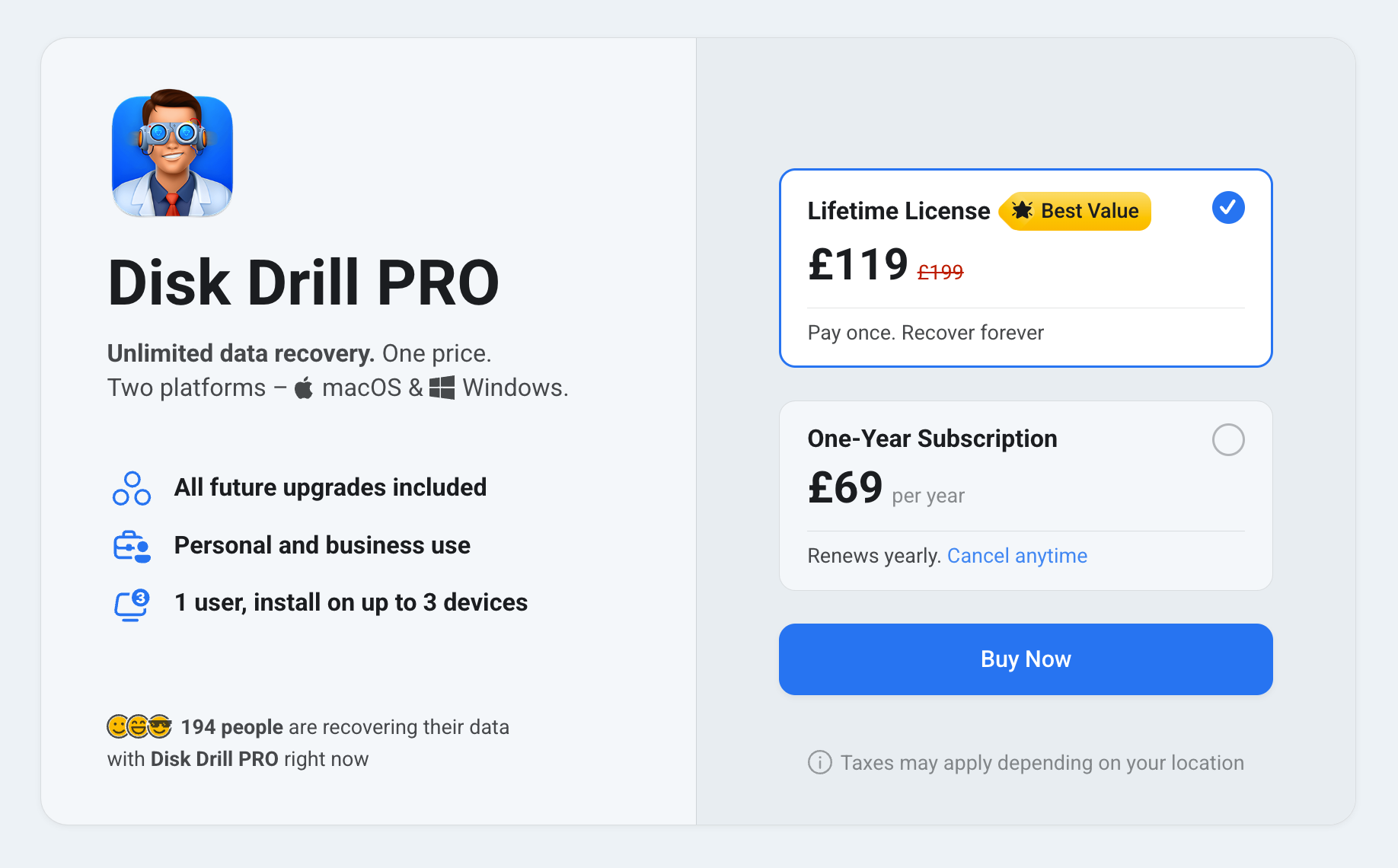
So if you’re looking for a data recovery app for external storage, I’d say Disk Drill is well worth trying. If the Disk Drill Mac price gives you pause, keep in mind that you don’t have to commit right away. The current options are roughly $89 per year, and you can scan your drive and preview recoverable files before paying. That makes it much easier to decide whether it’s worth the investment for your particular case.
If data is stored on an internal drive, though, nothing beats a good backup. Whether that’s Time Machine or another backup solution, it’s still your best protection.

all reputable data recovery tools work and they’re safe as long as you download them from the official website. The real scams are usually fake recovery apps pretending to do the same thing. Unfortunately, I can’t say much about Disk Drill because I’ve never used it myself. What I can recommend is this review site. It has a lot of software reviews and comparisons, and you can even put a few recovery tools side by side to compare their features, pricing, supported file systems, and test results.

It’s a good program. It combines several scan types into one Universal Scan (including quick, deep, and signature-based scanning). So if the data is still present on the drive in any recoverable form, Disk Drill should find it and bring it back

Disk Drill is actually the recovery software we recommend most often in our guides. If you browse through different recovery categories on the site, you’ll probably run into it more than once.
It first stood out during our testing when we were putting together our list of the best Mac data recovery software (if you’re interested, you can also read about the testing criteria we used).
If you’re looking for more detailed information about Disk Drill itself, things like recovery speed, supported file systems, recovery results, and file formats, we also have a full review. It’s based on the Windows version because we haven’t had a chance to publish a dedicated Mac review yet, but the recovery engine and most features are the same, so it’s still a useful reference. If you’d rather watch than read, there’s also a Mac-focused video review that walks through the interface and the recovery process.
After years of testing Disk Drill in our reviews and recovery guides, we’ve found it to be both safe to use and reasonably priced for what it offers (as long as you download it from the official CleverFiles website and choose the license that actually matches how often you expect to need it)
That said, we always encourage people to test recovery software themselves whenever possible. Run a scan, check the preview, and see whether your files are actually detectable before deciding to buy a license.

All this arguing about data recovery software is great and all, but have you guys tried using your brains before deleting or formatting things?Then you wouldn’t need recovery software in the first place) Smart people invented backups years agoб everyone else is still looking for the best recovery tool after something goes wrong. Just saying.
Thanks, everyone! While you were sharing your experiences, I downloaded the free version and scanned my flash drive. It actually found the documents and photos I was looking for, so that’s a huge relief. think I’m just going to buy the lifetime license. Looking at the pricing, it makes the most sense mathematically, and I’d rather have it available if I ever need it again. Thanks again!